Solutions
Hydrilla AI 3D by industry
Five ways teams put BlueFox, Hydrilla's 3D model, to work in Hydrilla AI, each with its fit, limits, and tools.
Every industry asks something different of a 3D asset. A game prop has a polygon budget, a previs set piece has a camera distance, a furnished room has a client review, and a product model has a spec sheet. Each page below starts from those demands and is honest about where generation helps and where an artist still leads.
 Game developmentLevel dressing and prop sets that fill a level while the layout is still changing.
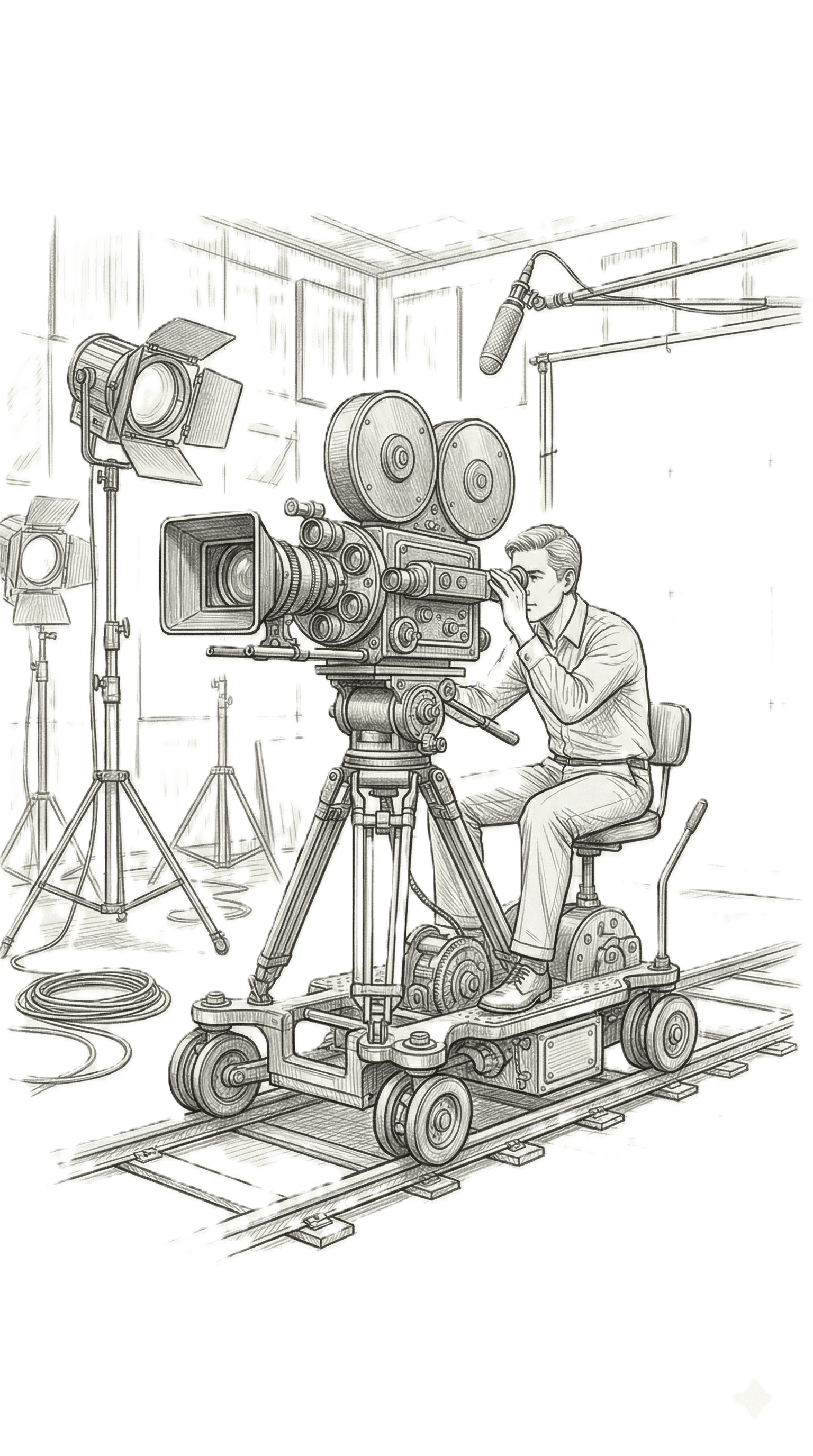 Film and animationSet pieces and props for previs, layout, and background dressing.
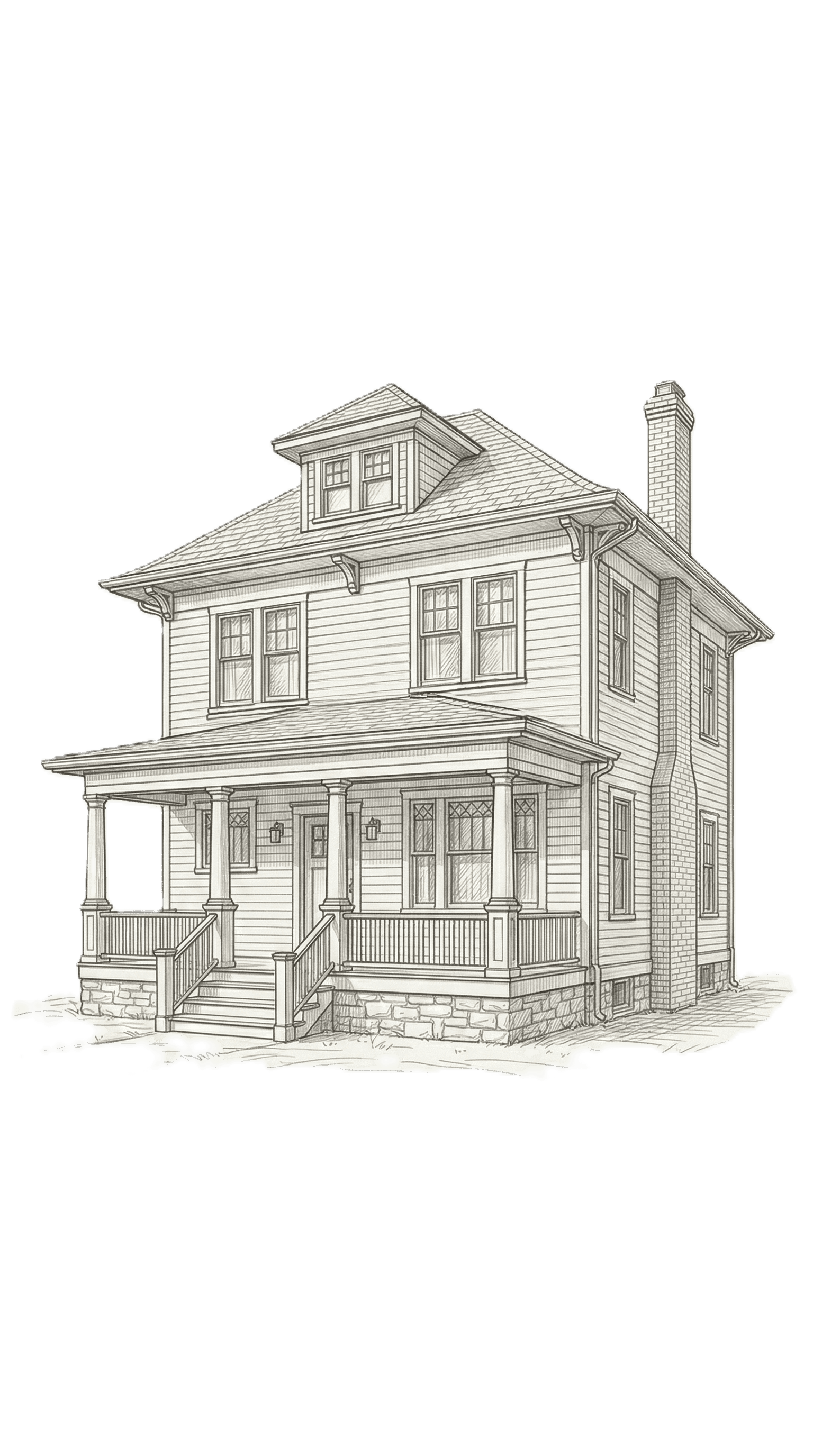 Architecture and interiorsFurniture and fixtures that dress rooms for presentations and reviews.
 AR, VR, and XRObjects for headsets and spatial apps, checked against a frame budget.
 Product visualizationProduct photos turned into 3D for web viewers, campaigns, and AR.
What every team gets
Whichever industry you work in, the workspace is the same: generate from a prompt or a picture, review in the browser, and bring the result into your own tools. The features page shows that workflow end to end.
Rolling out across a studio? See Enterprise