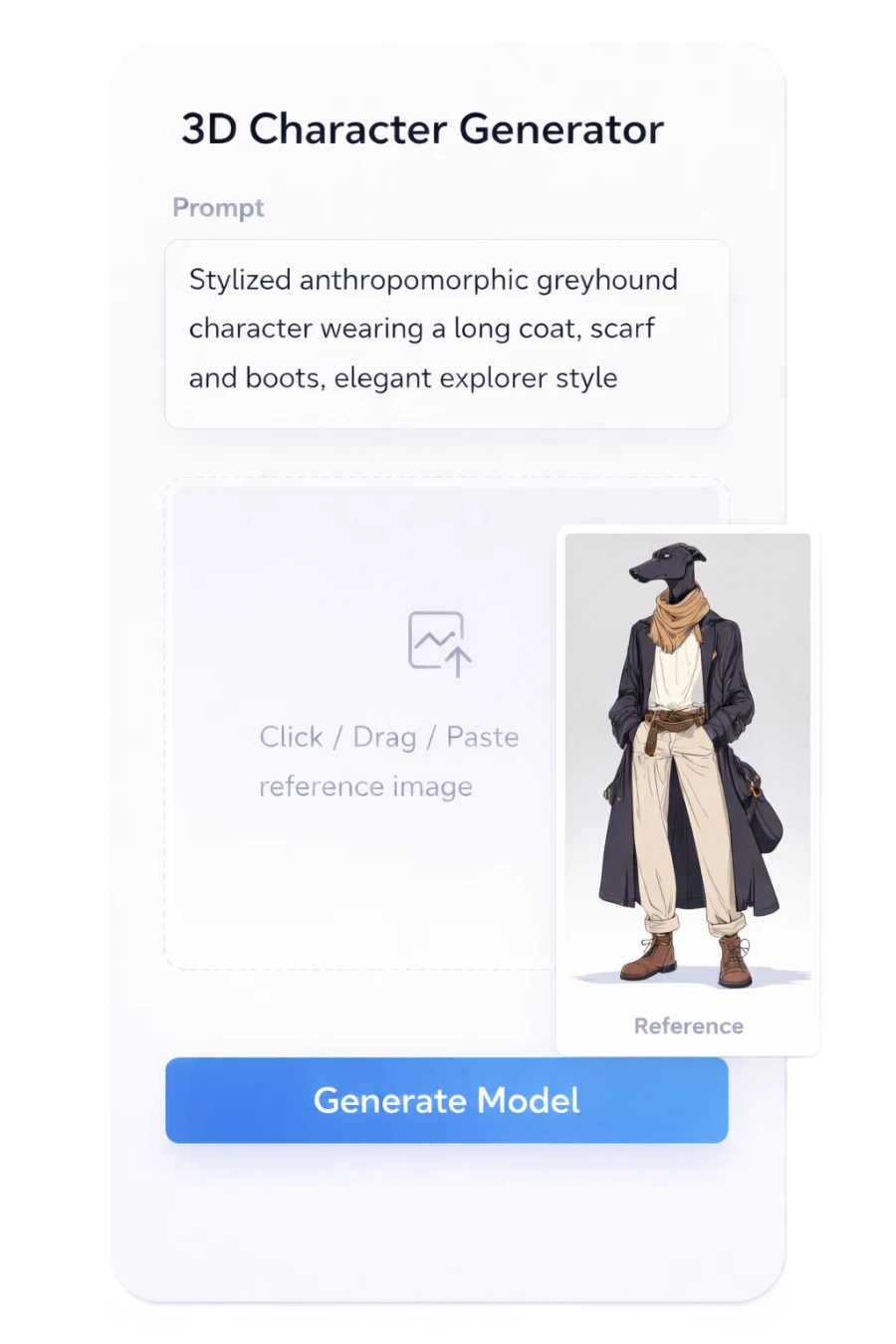
Step 01
Describe your asset.
Type a prompt or drop a reference image. BlueFox 1 takes either.

AI-powered 3D generation for creators, studios, and platforms.
Our mission is to build intelligent workflows that accelerate animation and 3D production.
Industries

Generate characters, props, and environments with clean geometry suitable for Unreal Engine, Unity, and other real-time pipelines.
Create multiple variations of models while maintaining consistent style and scale across your game world.
Process
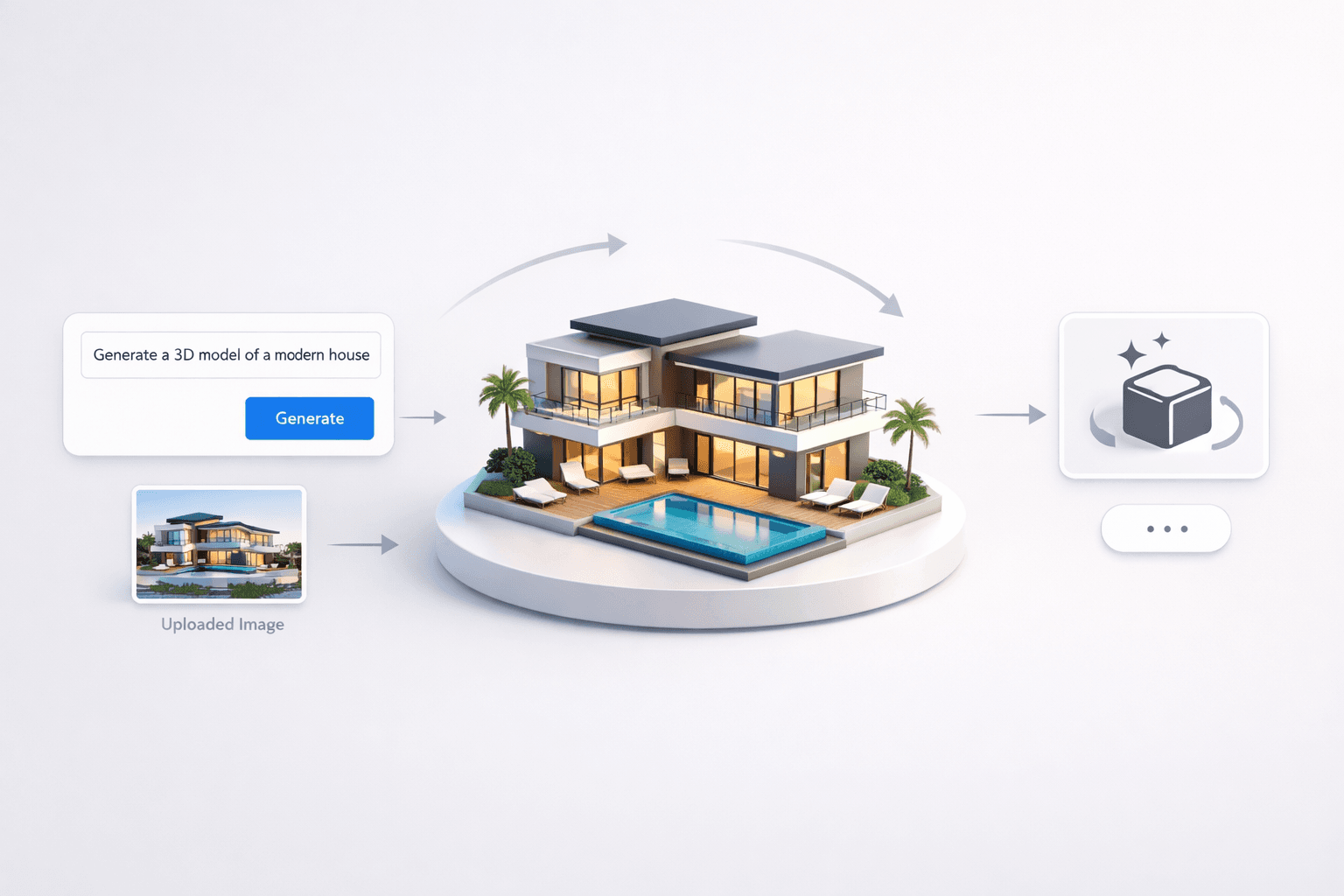
Type a prompt or drop a reference image. BlueFox 1 takes either.
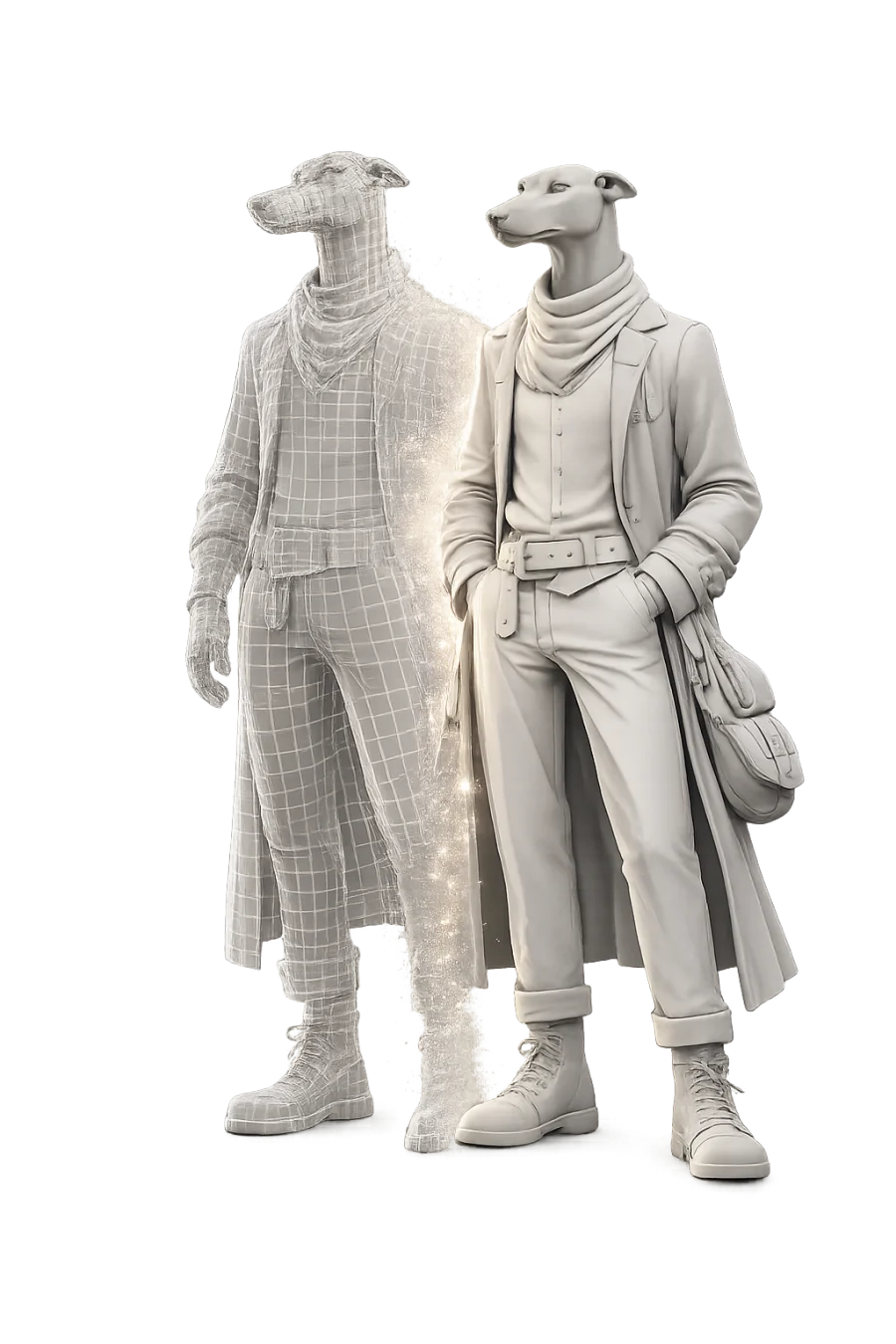
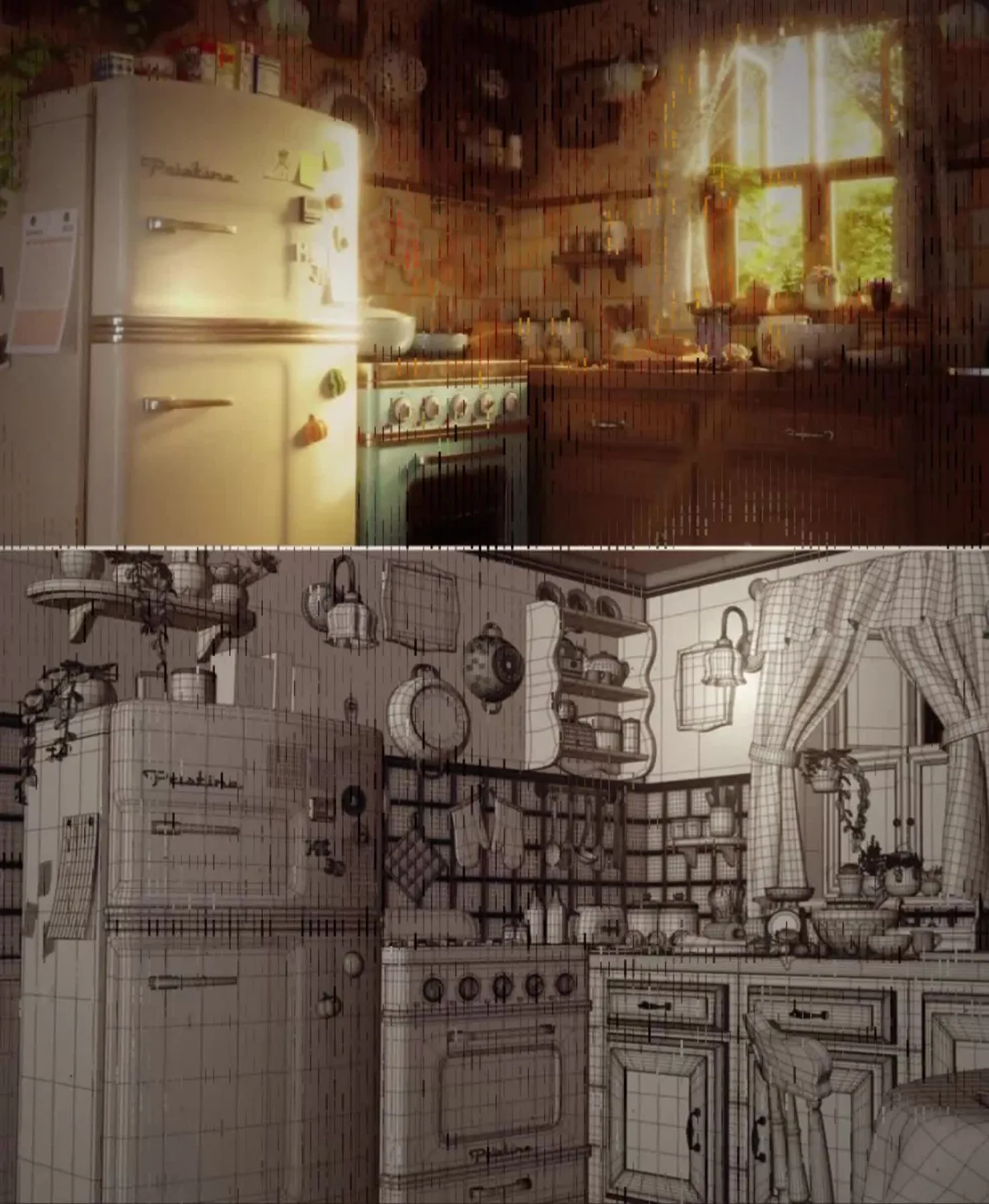
BlueFox 1 produces a segmented mesh with PBR maps — base color, metalness, roughness, and normals.

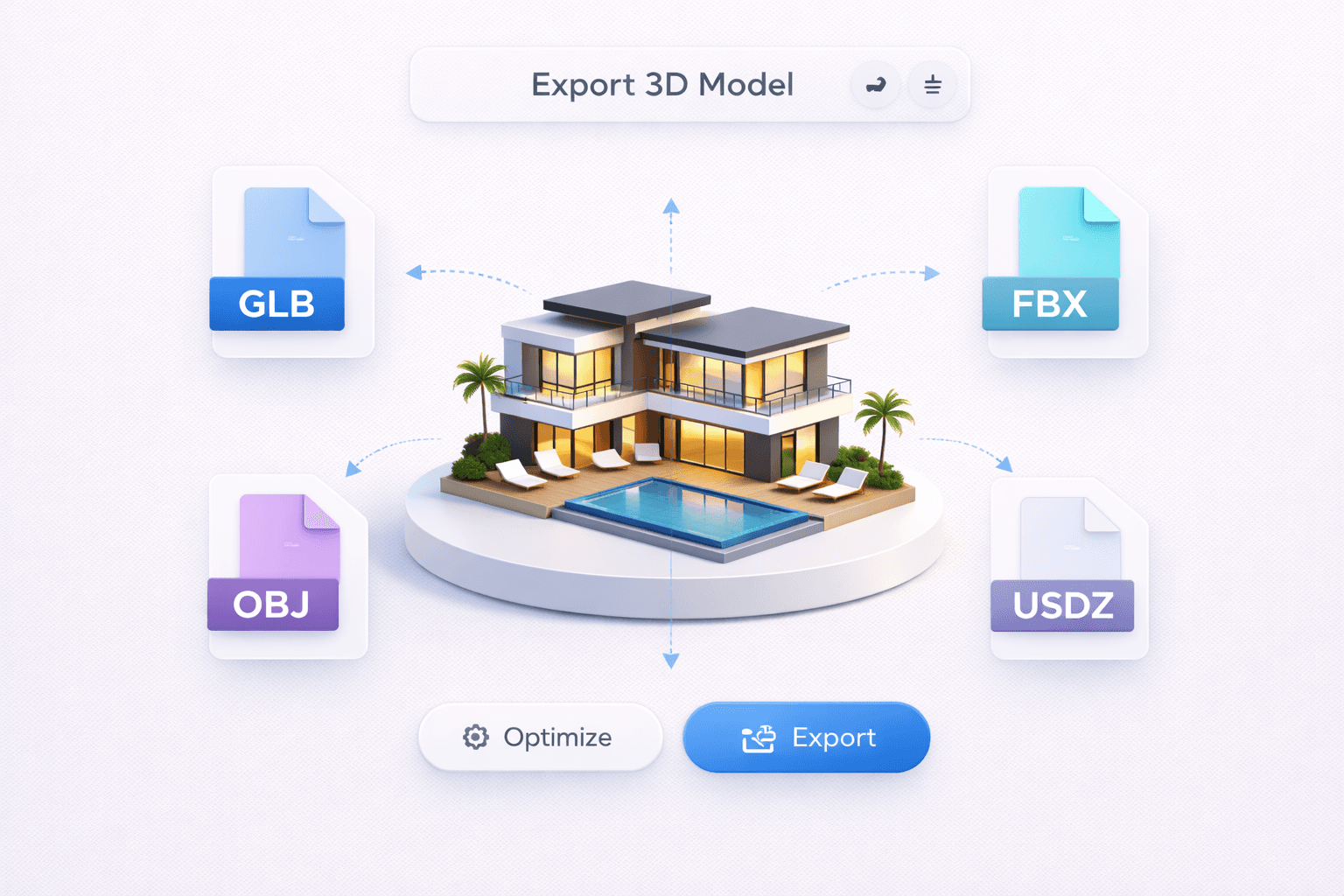
Inspect materials in the browser, then export GLB, FBX, OBJ, or USDZ into your engine or DCC.
Platform capabilities
One connected workflow for generating, refining, and delivering production-ready 3D assets.
Describe the asset or drop a reference. Hydrilla turns prompts and images into clean meshes you can refine, export, and ship.
Meshes arrive already split into logical parts—so materials, cleanup, and iteration stay precise instead of starting from a solid blob.
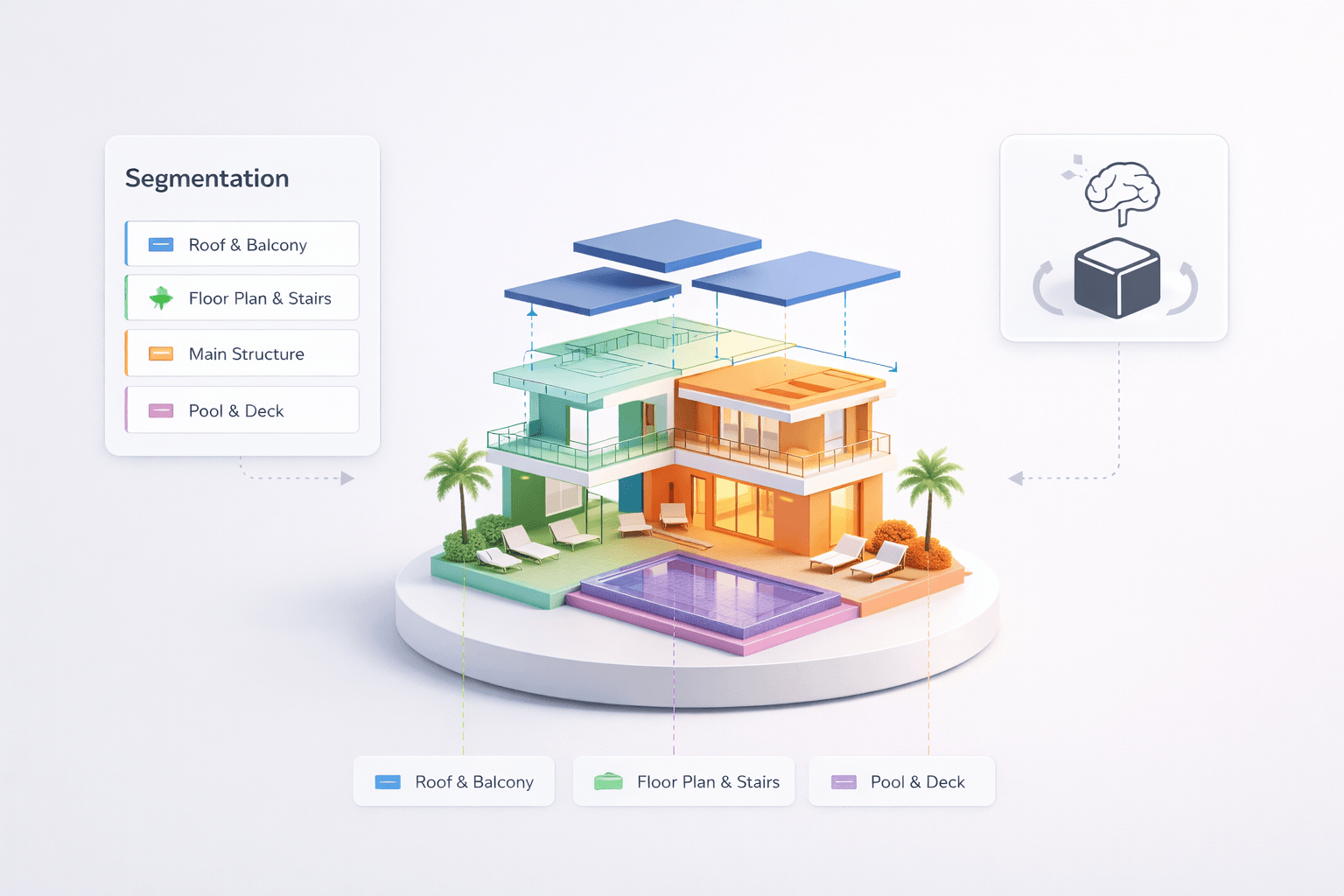
Base color, metalness, roughness, and normals tuned for real lighting. Preview in-browser, then export maps ready for your pipeline.
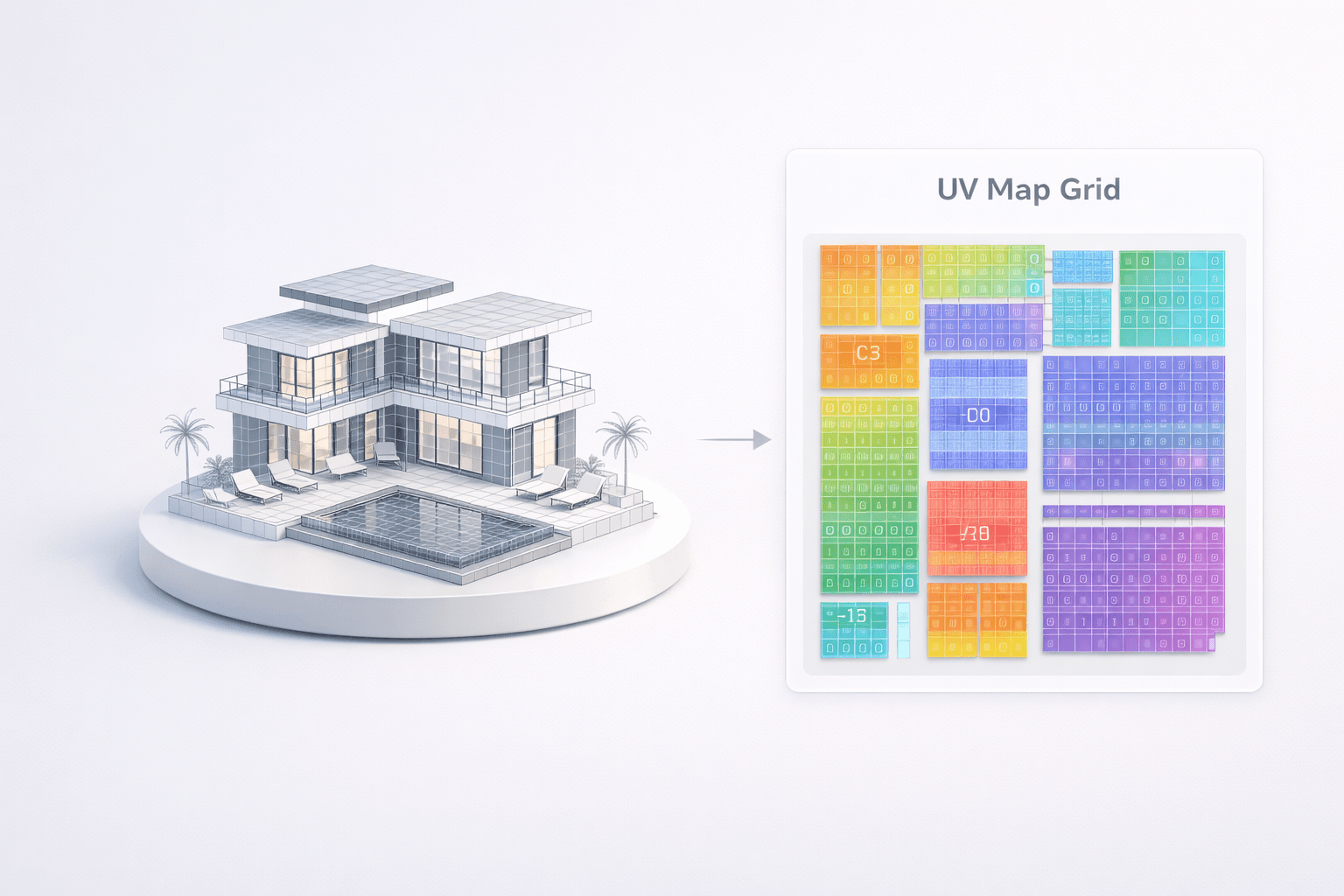
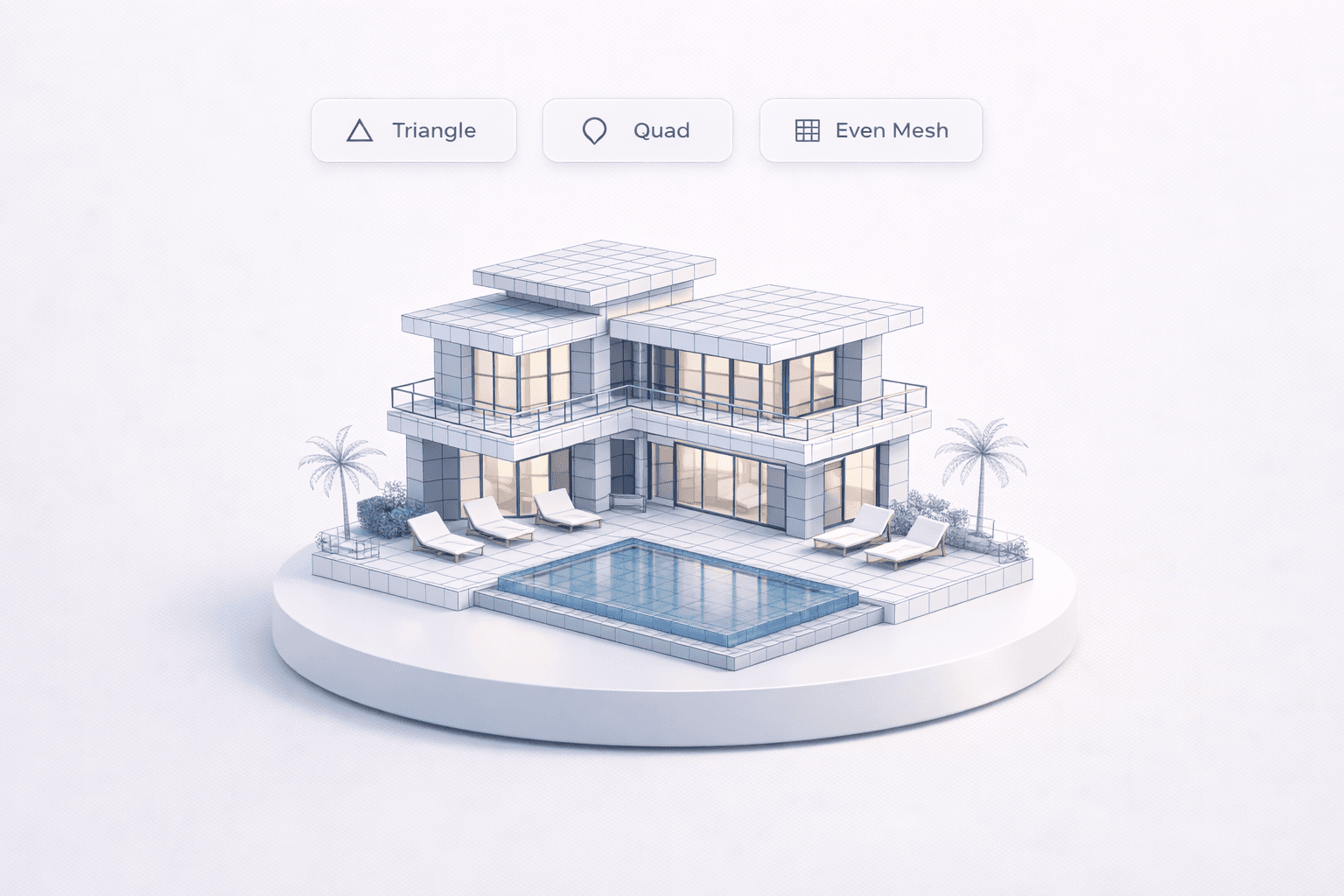
GLB, FBX, OBJ, and USDZ with topology and UVs that drop into game engines, DCC tools, and AR viewers without a rebuild.
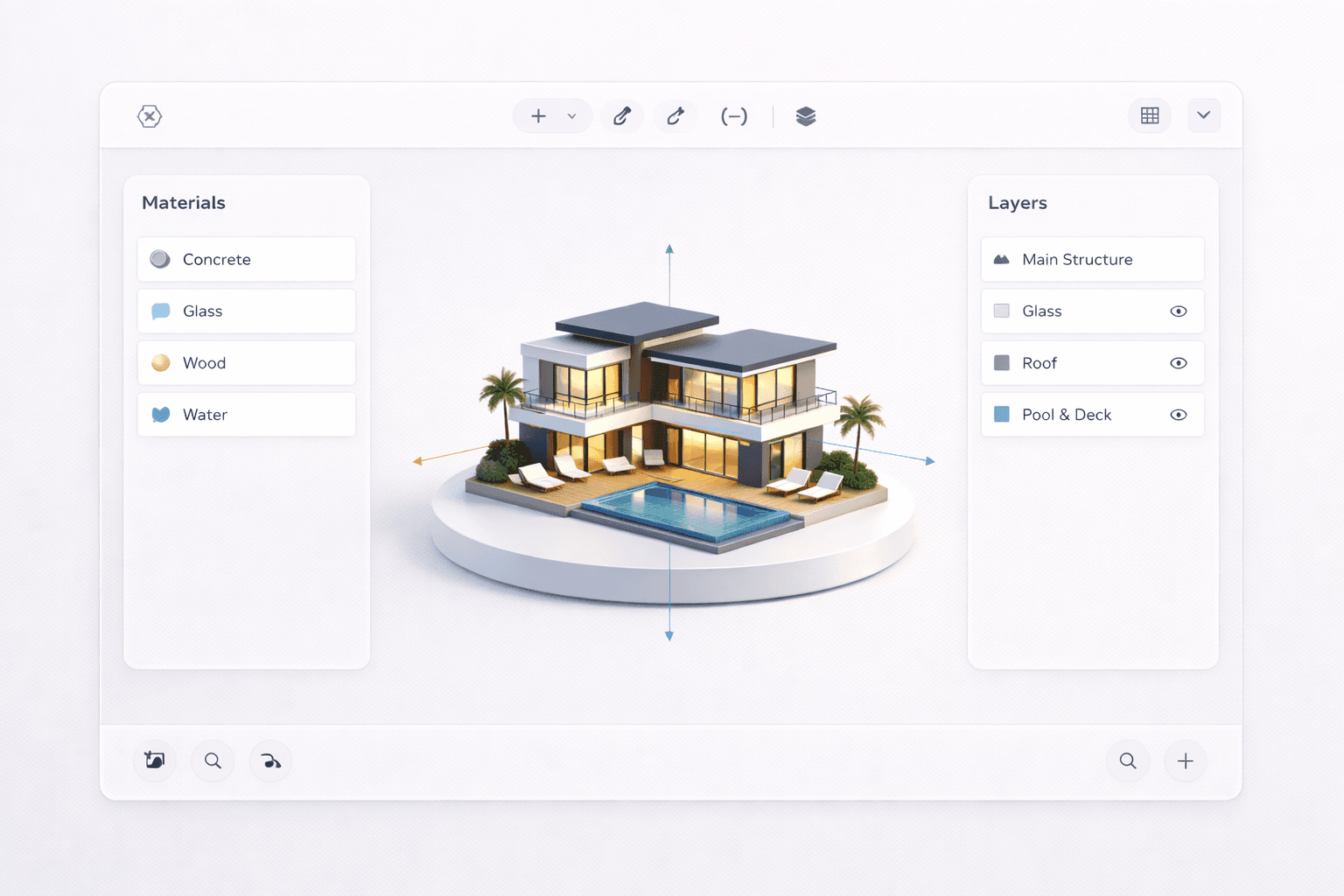
Orbit, inspect materials, and catch issues before download. Review assets in the browser so the handoff stays fast and clear.
Organize generations, keep versions together, and move from first draft to client-ready assets without scattering files across tools.
Why Hydrilla
Hydrilla generates production-ready 3D assets like BlueFox 1 with clean topology, PBR materials, multi-format export, and real-time preview so teams ship without cleanup.


Generate 3D with BlueFox


Generate 3D with BlueFox

Pricing
For trying Hydrilla
$0/month
Included features
For individuals & creators
$0/month
Included features
For studios & small teams
$0/month
Included features
FAQ
Hydrilla is built for creators, studios, and teams who need fast generation of production-ready 3D assets for games, film, architecture, and digital products.
