
Model
BlueFox
BlueFox, Hydrilla's 3D model, turns a prompt or a picture into a segmented 3D model with UVs and PBR textures. It's built by Hydrilla AI. Begin with a typed prompt or an uploaded picture.
Current version BlueFox 1, generally available to everyone in Hydrilla.
BlueFox is the flagship of the Hydrilla workspace. It is designed for the volume work that fills a studio's schedule, the props, set pieces, and visualization assets that every scene needs and few teams have time to model by hand.
Ready for your pipeline from the first export
A generated model is only useful if your tools can work with it. BlueFox delivers assets in a structure artists already expect, so the first minutes after generation go into creative decisions rather than repair.
UVs and textures included
Every model arrives unwrapped, with PBR maps already attached. It reacts to your scene's lights straight away, and the maps are ready to repaint if the look needs to change.Parts split for you
Handles, lids, and panels come back as separate pieces you can select, hide, or rework. There is no fused mesh to cut apart before material work can start.Works with your tools
Every Hydrilla plugin works with BlueFox, in your engine or DCC, so results reach the scene you are building. IntegrationsNo training on your data
Your prompts, pictures, and models stay out of our training sets, on every plan. How we handle data
Parts, UVs, and PBR textures
BlueFox returns a mesh split into parts, with UVs and PBR texture maps. That structure is what makes a generated asset editable: select one part in Studio and leave the rest alone, assign a different material to a single panel, or repaint the maps in your own tools without unwrapping anything first.
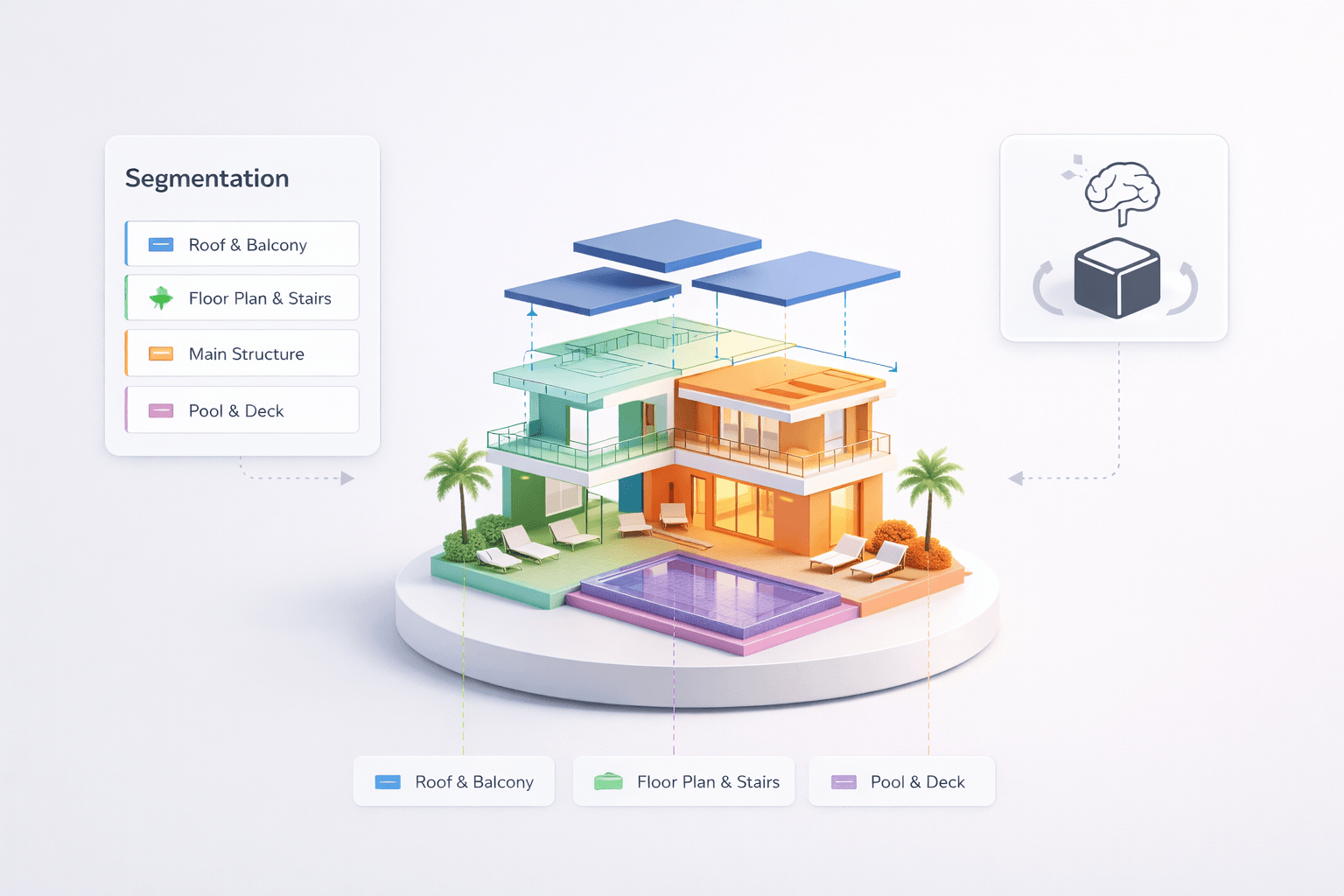
PartsSegmented mesh
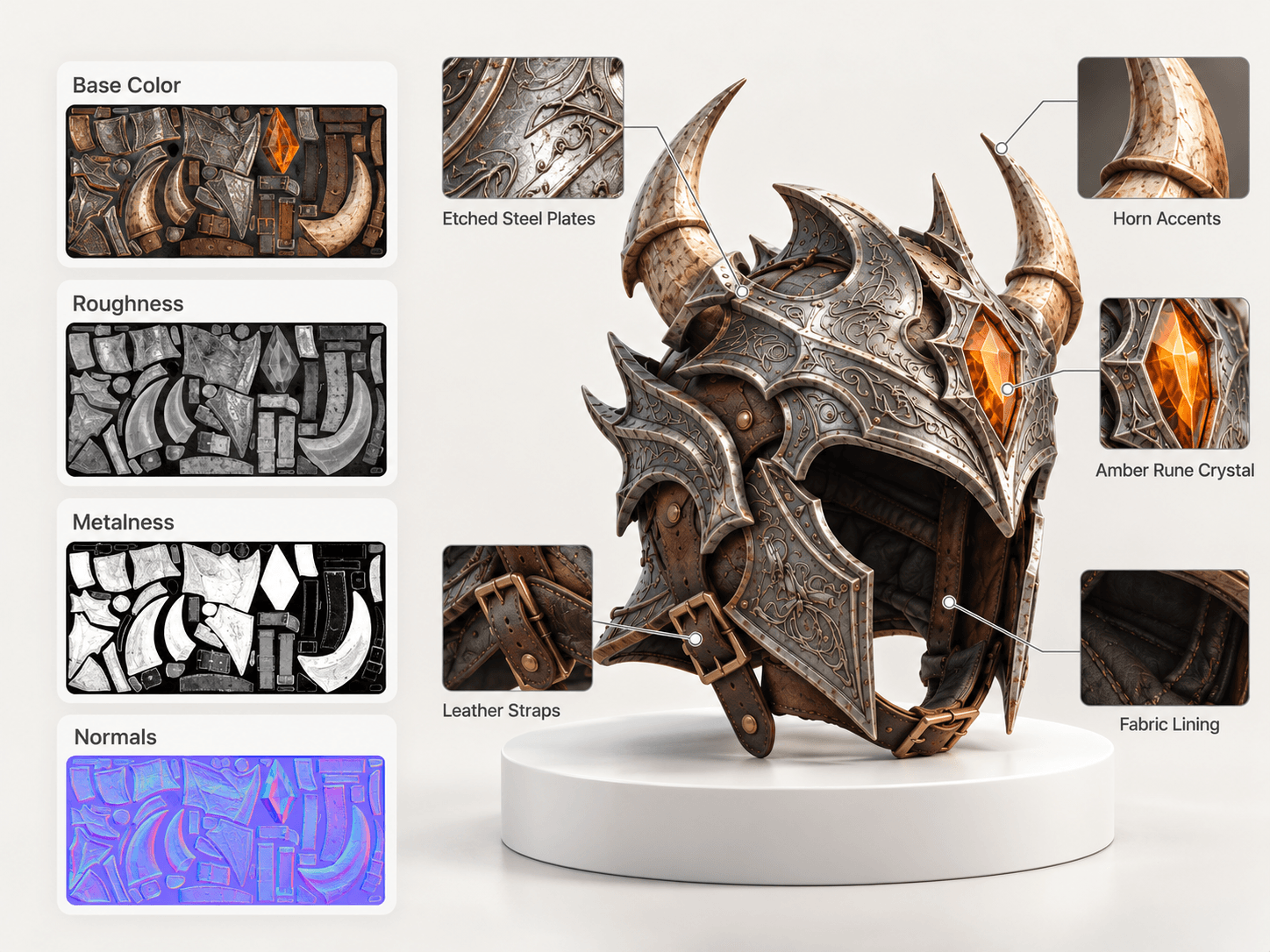
MapsPBR textures
BlueFox at a glance
The current release is BlueFox 1. The table summarizes what it takes in and what it returns; the full model card on the research page covers intended use in more detail.
| Spec | BlueFox 1 |
|---|---|
| Version | BlueFox 1 |
| Availability | Generally available to everyone in Hydrilla |
| Inputs | Typed prompt or uploaded image |
| Output | Mesh in parts, UV-unwrapped, with PBR maps |
| Exports | Hydrilla's export formats |
Where BlueFox fits, and where it stops
Use it for props, environment pieces, and visualization assets an artist will finish. BlueFox isn't built for CAD, manufacturing drawings, or finished hero assets that skip an artist pass. Being clear about that line helps teams plan where generation saves time and where a modeler should lead. The full model card lists intended use and inputs.